 MioCreate
Text only to image
Type a prompt up to 600 characters and let AI build the composition, lighting, and details from your description.
AI Tools
Use this text to image AI generator free to create images from texts only. Input your prompt and generate surprising AI images now.
STEP 1: Input text for your image
Please describe the image you want to generate …
STEP 2: Set basic image options
Example AI images from text prompts
See what MioCreate text to image AI can create from a short written prompt.
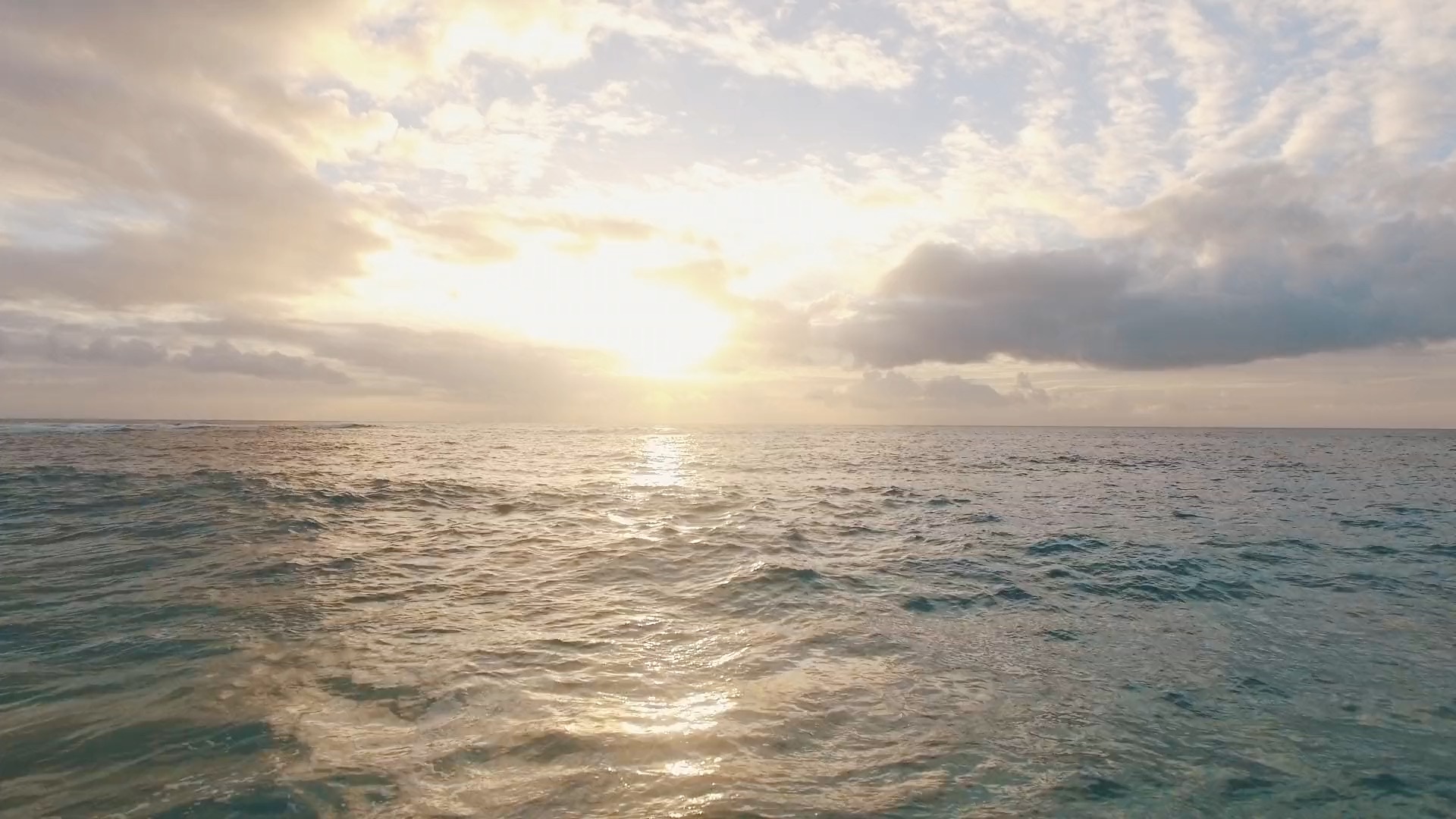
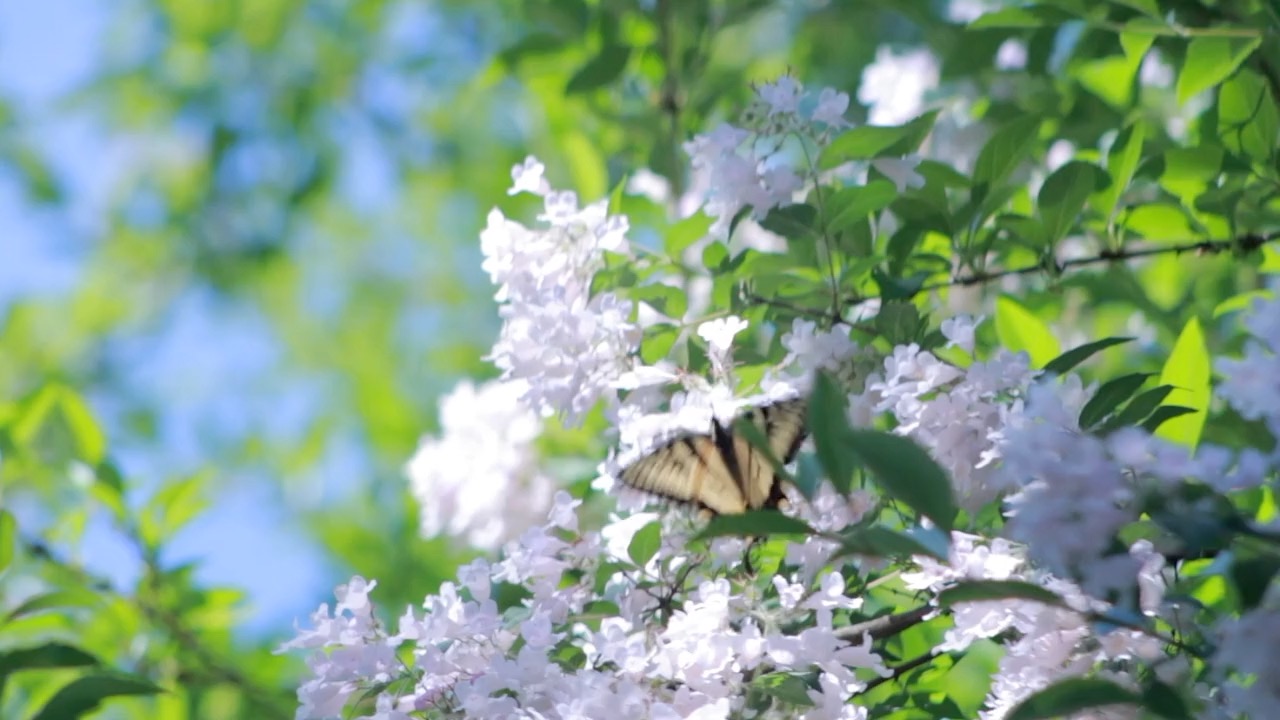
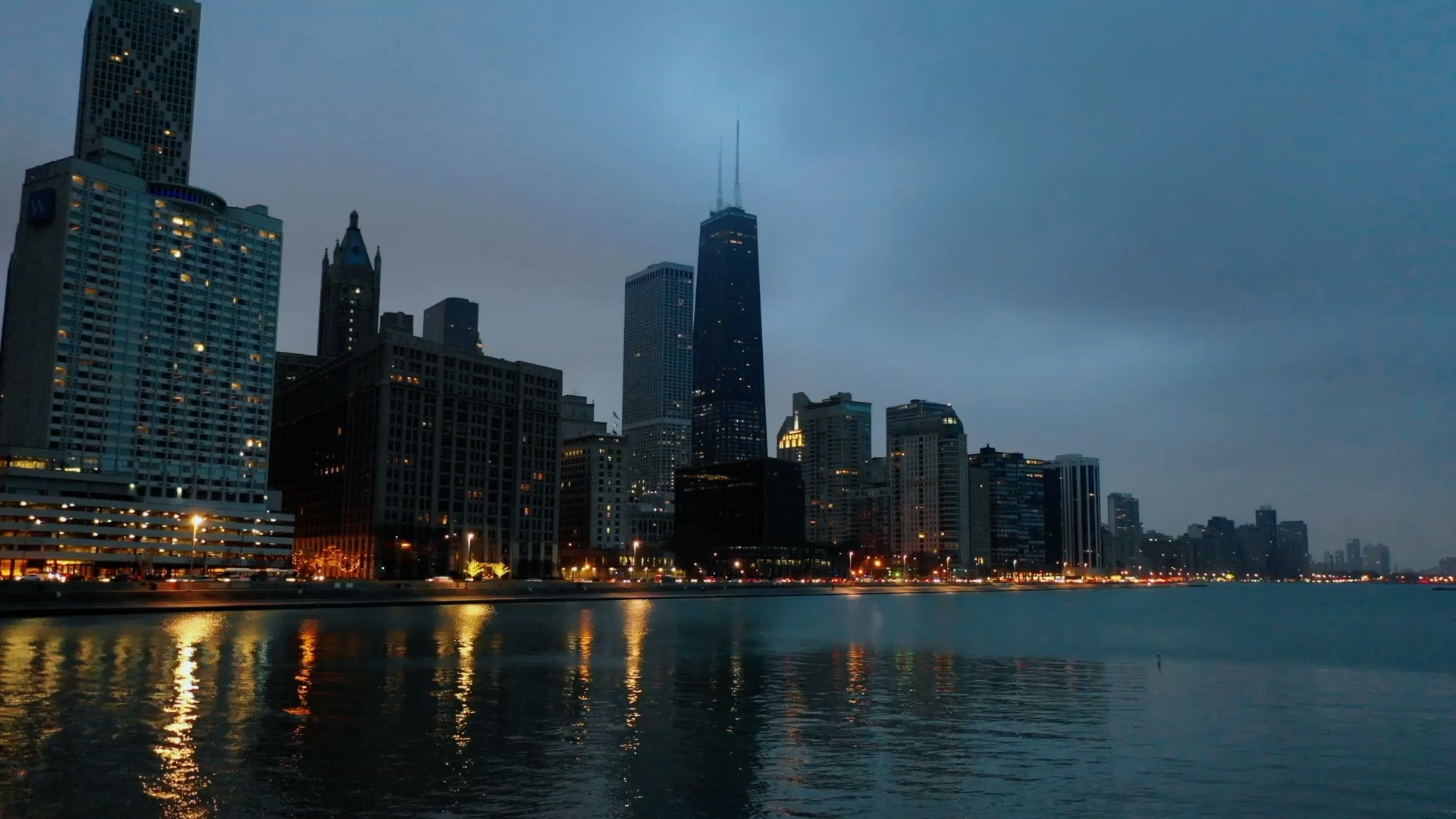
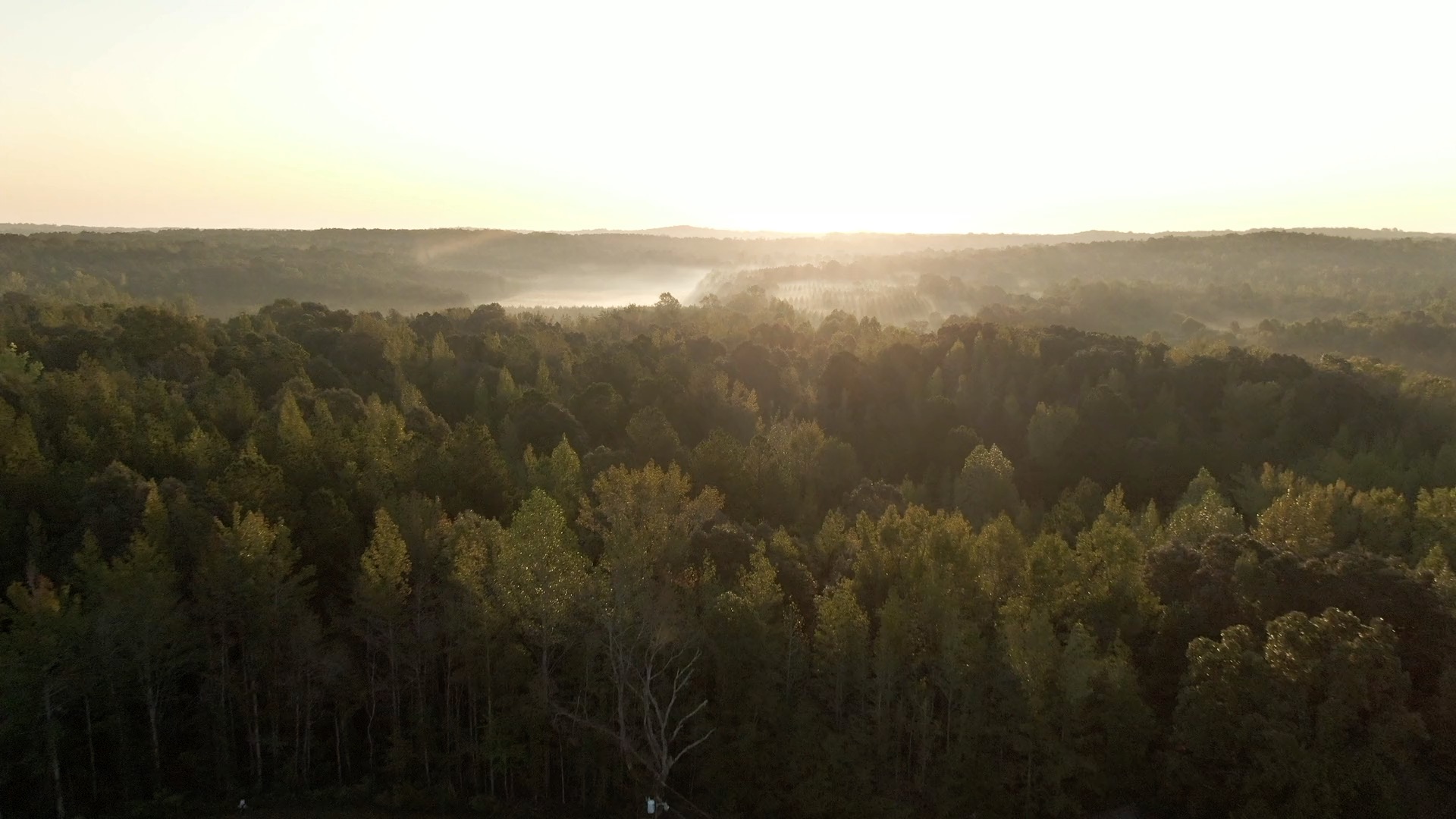
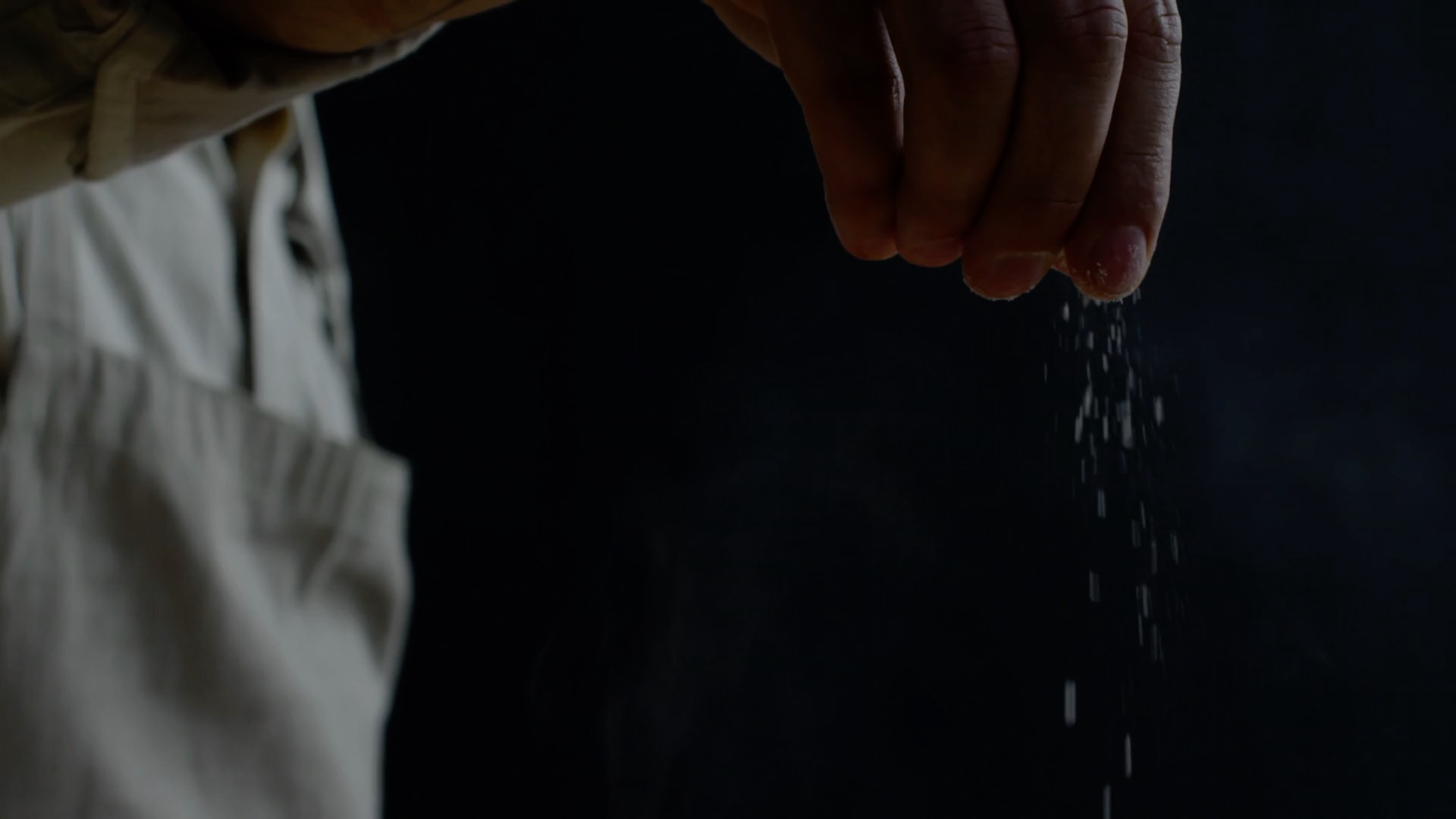
Turn written ideas into still images. Describe the scene, set aspect ratio and style, and generate an AI image online without starting from a photograph.
Type a prompt up to 600 characters and let AI build the composition, lighting, and details from your description.
Choose aspect ratio, visual style, and quality level so the result fits social posts, ads, or concept art.
Generated images are free for commercial use. Create visuals for social posts, ads, thumbnails, and drafts.
Refine the prompt, switch style, and regenerate until the image matches your brief.
Describe the image you want — subject, setting, lighting, and mood. Or try an example prompt to start fast.
Pick aspect ratio (1:1, 16:9, 9:16, and more), a visual style, and quality before you generate.
Start generation and wait a few seconds. Preview the image, then download or share when you are happy with the result.
Write a clear prompt with subject, style, and mood. Choose aspect ratio and style, then generate.
Describe the scene in text. Set style and ratio, then click Generate Image to start.
Generate Image
Turn a caption idea into a square or portrait image for Instagram, Pinterest, and ads.
Draft product or campaign visuals from a brief without a photoshoot first.
Illustrate a tip, story beat, or lesson cover from your written outline.
It converts written prompts into still images. You describe the scene; the AI generates the visual composition, style, and details.
Yes. You can generate images online free. Generated images are free for commercial use. Some downloads or advanced features may require an account.
Enter your prompt (up to 600 characters), set aspect ratio, style, and quality, then click Generate Image.
Yes. Pick ratios like 1:1, 16:9, or 9:16 and styles such as realistic, illustration, or anime before you generate.
Yes. Images generated with MioCreate Text to Image are free for commercial use. Only generate content you have the right to request.
Yes. MioCreate Text to Image is an online tool, so it works on iPhone, Android, Windows, and Mac in the browser.